Resolutions to Make Work Lighter in Your Classroom This Year
It’s the time of year when we make promises to ourselves and others about how we are going to change the course of our lives in the upcoming months. Sometimes we make bold choices that are tough to stick with, and sometimes we waiver and select a target we are sure to accomplish. Why not spend the time purposefully, choosing some resources and tools that will make your classroom life easier this year, while increasing your capacity and skills?
- eMediaVA Interactives
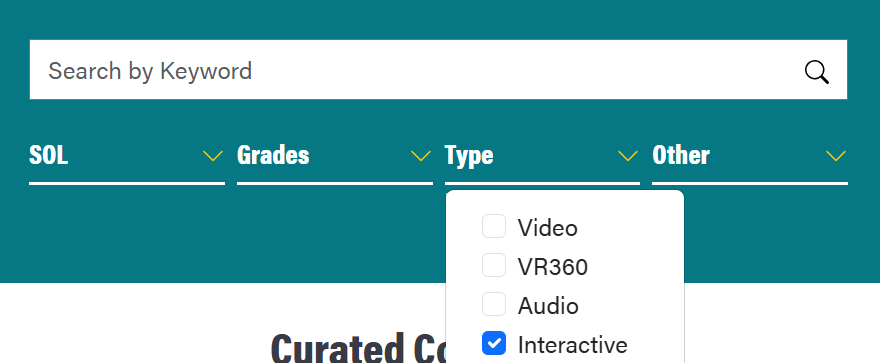
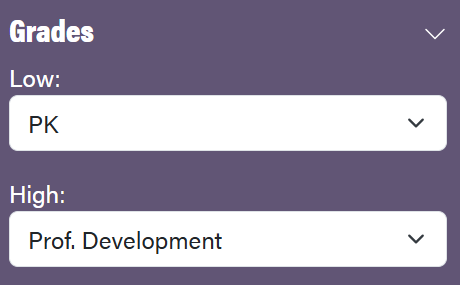

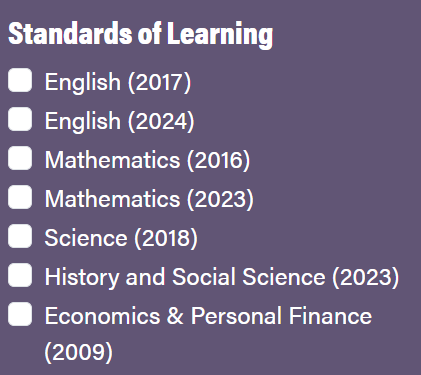
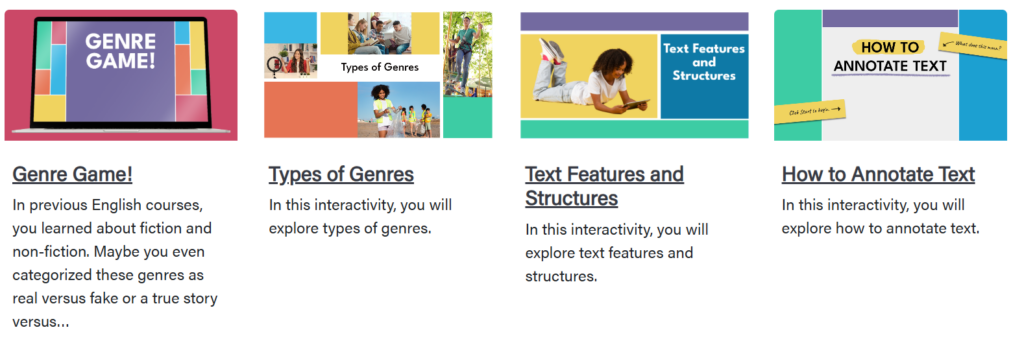
Want to engage your students in a different way this spring? Try an interactive tool from eMediaVA. Filter by “interactive,” and then select your grade level and subject area. There’s something for everyone! I recently found an entire series of resources for my English department in the Collection called “English 9 Interactives.” Aside from the thumbnails below, there were games, debates, practices, modeling, and more!
- Mashup: Ed-Tech Assessment Tools
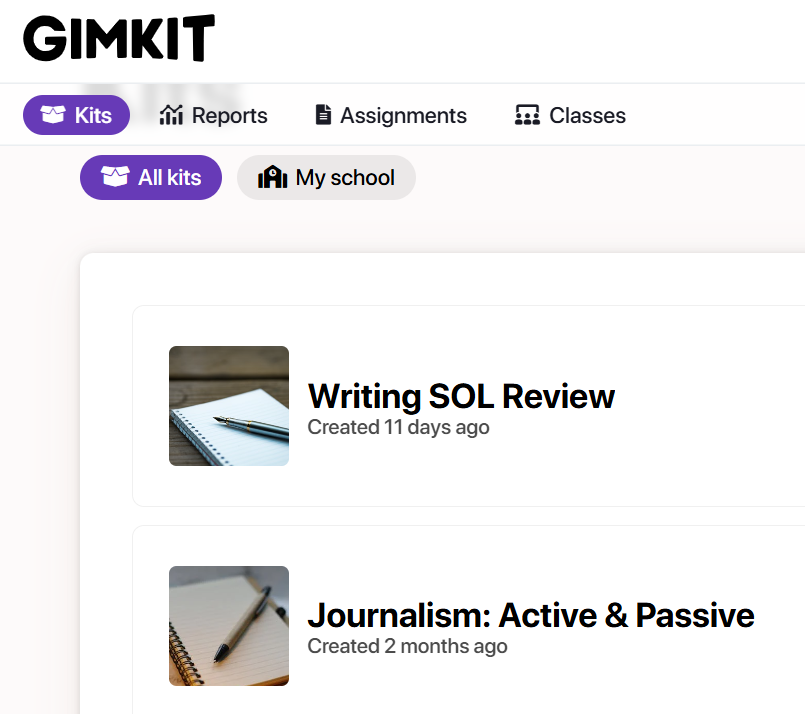
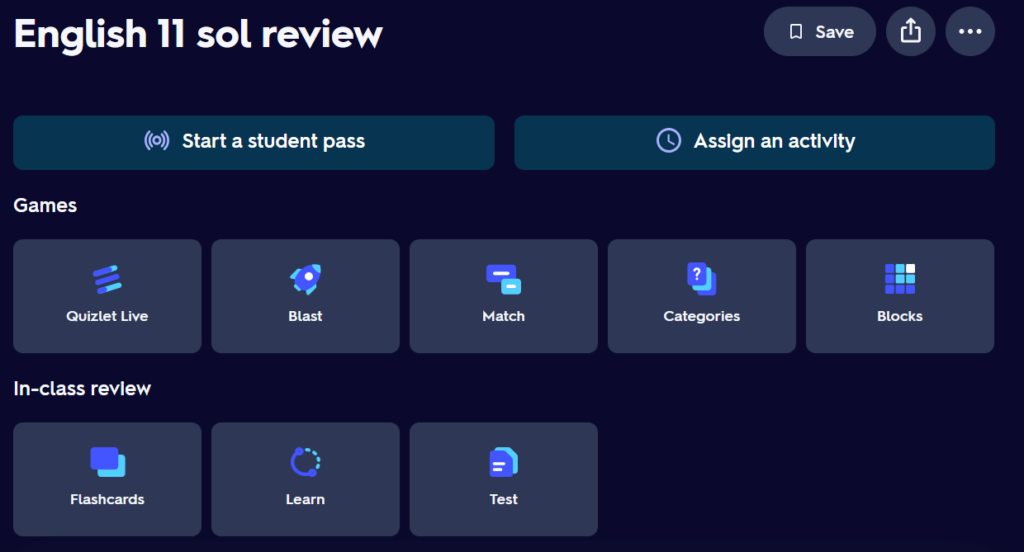
What is your favorite ed-tech or assessment tool: Gimkit, Wayground, Quizlet, Nearpod, Peardeck, etc.? Whatever your resource of choice, pair it with an eMediaVA interactive or resource! For example, as an instructional specialist and literacy coach, I have been working with students on SOL review, and there are a plethora of options for English reading and writing and each subtopic like persuasive writing or figurative language. These are common lesson topics for reinforcement, and eMediaVA has something for each!
- Career Spotlights
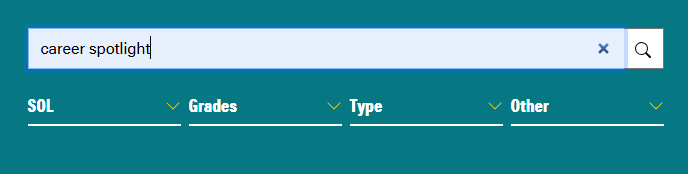
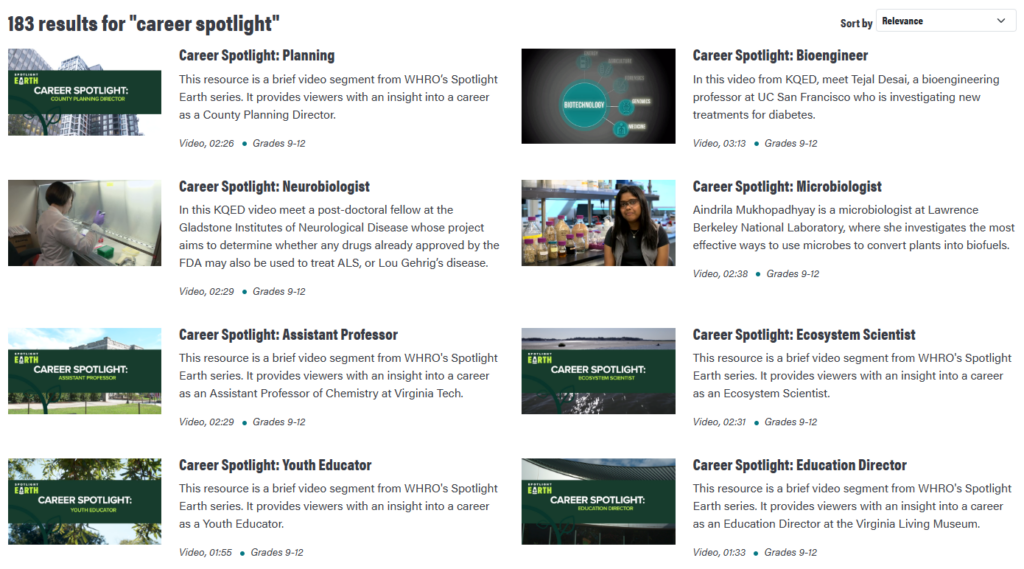
Whether your school or division offers mentoring, resource blocks, counseling, career research, or advisory periods, these eMediaVA spotlights offer something for all students. Simply type “career spotlight” in the search bar, and you’ll find a bevy of options from Microbiologist, to Kite Designer, to Civil Engineer. Filter further to find a specific content area or grade level.
- Mashup: Classroom Screen
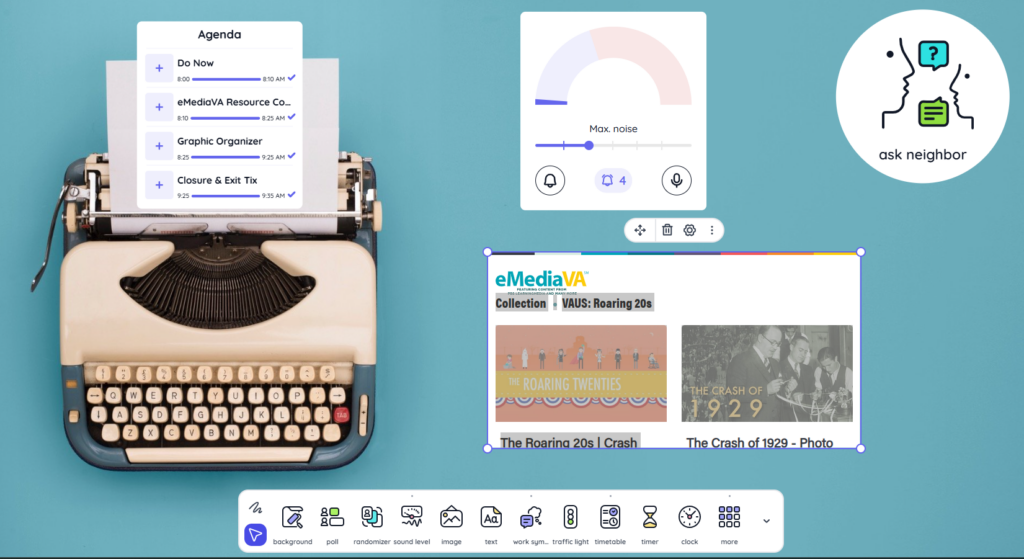
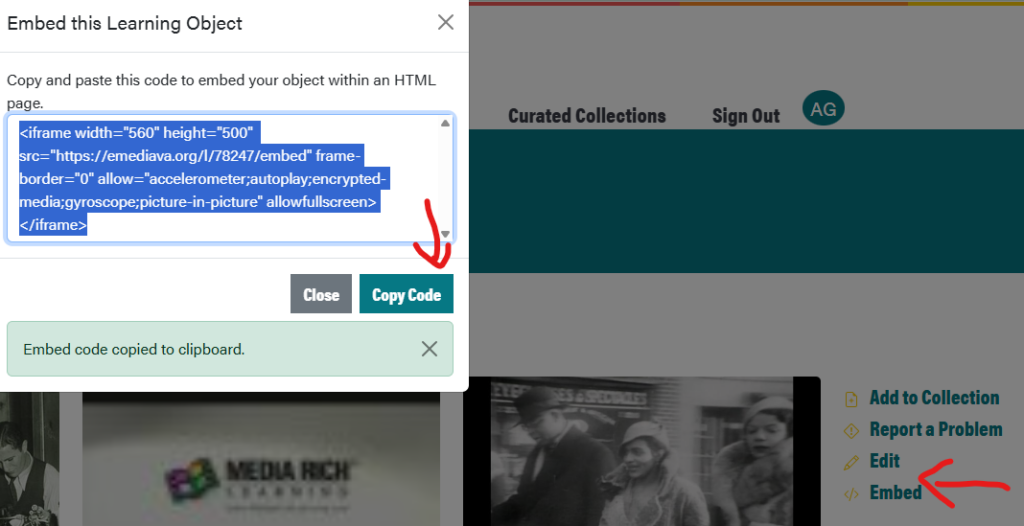
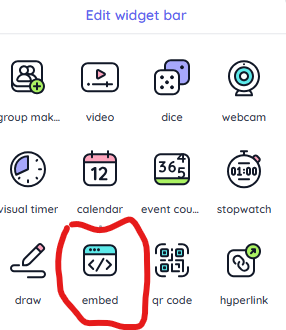
If you haven’t tried Classroom Screen, do so now! It’s a free resource for educators, though you can also purchase a premium subscription for teachers that does allow you to save boards and customize with templates and name lists (for generating student names and monitoring class participation). The free version is a whiteboard “that keeps your students on task.” There are tools for adding media, polling students, managing noise and groupings, adding text, and managing time. Simply use the “embed” and “copy code” features in the eMediaVA Collection to “embed” in the Classroom Screen “Widget Bar.”
For any inquiries, please contact:
Email: abgerman@vbschools.com